

Android 17 introduces revolutionary multitasking with system-wide app bubbles, allowing users to run any application in a flexible floating window.
Gemini evolves from a chatbot into an agentic AI, capable of performing complex tasks like booking rides and managing calendar events autonomously.
The update features the “Adaptive Everywhere” platform, ensuring a seamless experience across phones, tablets, foldables, and the new Googlebook laptop ecosystem.
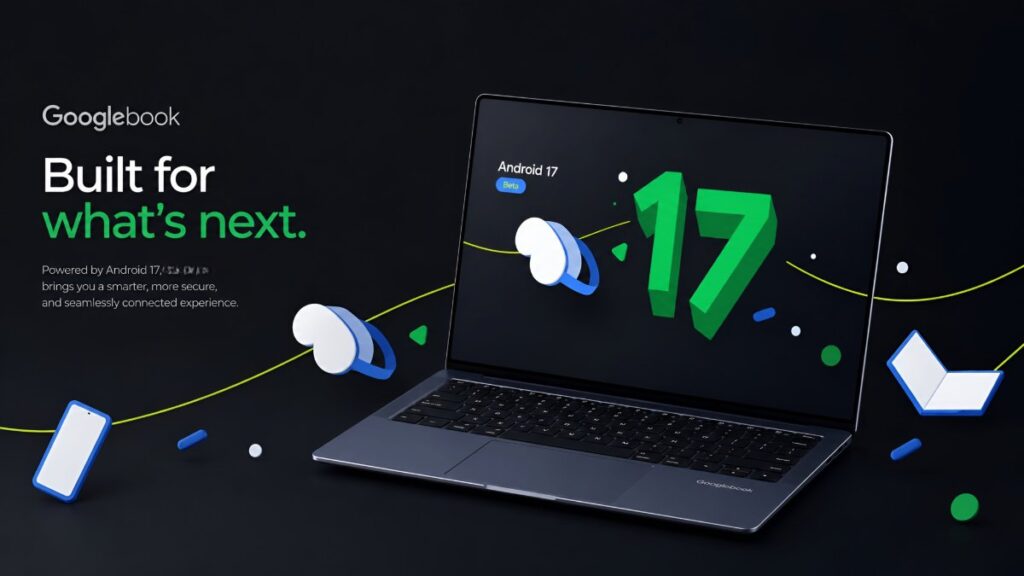
Yesterday (May 12), Google officially previewed Android 17 at “The Android Show”. This is not just a “new operating system” update. This is a big step by Google where they say, “We are no longer just making an operating system for phones, we are making an Adaptive Everywhere platform.”
It is important to know which features of Android 17 are actually useful and which ones will make your daily life easier. This update can be a “game changer” for many – we will discuss everything openly. Without any hype, just with real experience and logic.
What’s New in Android 17: The Big Picture
Android 17 (dessert name probably Cinnamon Bun) does not have a flashy design overhaul this time. There are no big changes like Material 3 Expressive like last time. Instead, Google is focusing on three areas – reducing everyday hassles, taking AI to a more advanced level, and preparing the platform for the future.
Beta 4 is running now (from April 2026), and the stable version will arrive in June-July. All phones from the Pixel 6 series and newer supported Pixel devices are receive Android 17. But the big thing this time is that it’s not just for phones – the same experience will be available on tablets, foldables, laptops (Googlebook), and even XR devices. For this, Google is calling it “Adaptive Everywhere”.
Revolutionary Multitasking with App Bubbles
In Android 17, any app can now be run in bubbles. This comes in some highlight features. Earlier, bubbles were only for some messaging apps. Now, you can long-press any app to bring it into a floating window. Minimizing it will go to a small bubble, and tapping it again will take you to full screen. This means that what we have been using in floating windows for so long is being taken to a broader level.
Imagine – watching YouTube, replying to WhatsApp, having the Notes app open at the same time, and reading an article in Chrome. All at the same time, without minimizing any app. This is a game changer on foldable phones or tablets. Google has fully implemented it in Beta 3, and some users are saying that the smoothness is amazing.
In my opinion, this feature alone has taken Android a step ahead of iOS in multitasking. Because now it is not just a split screen, but true flexible multitasking. This is what you call real multitasking, you must understand.
Gemini AI Gets Supercharged: From Helper to Agent
This is where Android 17 is most exciting. Gemini is no longer just a chatbot – it’s now Gemini Intelligence. It’s “agentic” AI, meaning it works for you (meaning you’ll now own it).
A few real-world examples:
- Book classes with voice commands, auto-fill forms, book multi-stop rideshares.
- Create custom AI widgets (like a trip planner widget that automatically creates based on your calendar).
- Work inside apps (AppFunctions + UI automation) – Like opening a food delivery app and ordering, you just say it.
- Can run in the background – you can keep using other apps, and Gemini will continue to work.
There’s also the Gemini Deep Think upgrade, which will be able to handle more complex tasks. Everything is opt-in, with privacy controls. However, Google has confirmed that this feature will come to Pixel and Samsung Galaxy first, and then to more devices.
In short, it is no longer just a “smart assistant”. It is turning your phone into a real personal assistant. For those who open 10-15 apps every day, this will be a huge time saver.
Privacy and Security: Smarter Protection Than Ever
Android 17 has major upgrades in terms of privacy and security:
- Native App Locking – Now no third-party app is required to lock apps.
- Live Threat Detection – On-device AI will monitor suspicious app behavior in real time.
- Local Network Protection – Apps will need new permissions to access the local network.
- Better permission control and scam protection.
This means that more security will be available in this new version than in previous Android versions. This is a big relief, especially for those who use online payments or sensitive apps.
Performance and Battery: The Silent Heroes
This part is not flashy, but the most important.
- Frame drops have been reduced with Generational Garbage Collection + Lock-free MessageQueue.
- Idle drain is much lower (users say it has dropped from 10-15% to 4-5%).
- Screen on time has increased.
- The phone heats up less during heavy use.
In addition, Assistant Volume has a separate control. Gemini’s volume will remain separate from music or calls. Small change, but it provides a lot of comfort in daily use.
Cross-Device Magic: Handoff and Continuity
A new Handoff API has arrived in Android 17. The state of the app can be automatically continued on other nearby Android devices (from phone to tablet or laptop). Notifications, file sharing, all seamless.
Google previewed its new product at this event, which is called Googlebook. And this Android 17 will be more powerful with Googlebook (new Android + Chrome OS merged laptop). Continuing to work from phone to laptop in the same ecosystem – this can take many people’s workflow to an extreme level.
Other Cool Tweaks You’ll Love
- Motion Assist – Motion sickness reduction feature (useful when using the phone in a car or train).
- Improved Screen Recording – Internal audio + easy control.
- Option to hide app labels on the home screen.
- Photo Picker customization (grid ratio can be changed).
- Pause Point – Digital Wellbeing feature that will help stop doomscrolling.
- 3D emojis and small UI tweaks.
Who Should Update and When?
Those who have a Pixel 8 or above model can try the Beta now. But you will have to wait until June-July to use the stable version. However, one thing is that older devices (Pixel 6/7) will get performance improvements, but not all features will be fully available.
Final Thoughts: Is Android 17 a Game Changer?
It’s not a major visual change, but it’s one of the most mature and practical updates. Google has avoided flashy things and solved the small everyday problems. As a result, the phone will feel smoother, smarter, and more private.
If you multitask, use AI, or work on multiple devices – then Android 17 is really worth it for you. And if you’re a regular user, you’ll also be happy with the battery and smoothness improvements.