
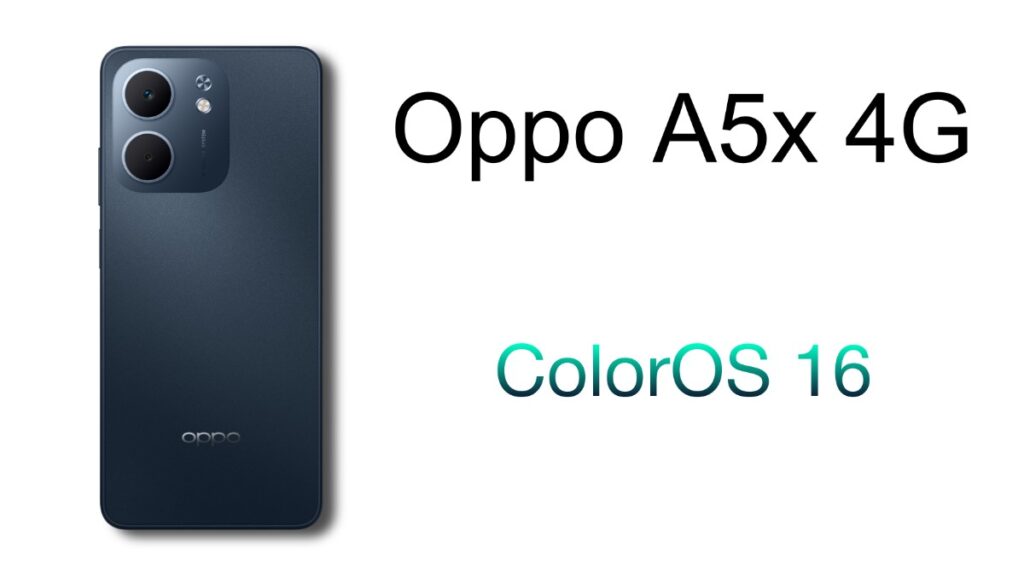
If you are using Oppo A5x, then this post is especially for you, and congratulations, you’re getting ColorOS 16 for your device. This update might significantly change your entire user experience because it’s a major OS update. This update comes with Android 16, which is the latest Android version. It also includes many interesting features.
Oppo A5x ColorOS 16 Update Features
First, let’s find out what new features you’ll see in this new update. For your information, this is the update that will bring significant changes to the device’s look and feel. Since this is a 4G device, it won’t have all the features, which is somewhat disappointing. For example, this device doesn’t have the Dynamic Island feature.
Through this update, you’ll see AI features in many areas. This AI has been added to many places, such as the Mind Space feature. It will understand you better and provide better suggestions. This means that whether it’s news or app suggestions, it will provide them to you even before you ask. You’ll also get AI-powered Flux themes. This will bring a new shine to your lock screen and home screen.
Connectivity features are more optimized and advanced after the update. Connecting to any other device will be even more effortless thanks to this optimization. Not only that, but the device’s security has also been improved. As mentioned earlier, it comes with Android 16, which means data privacy has become even more advanced.
Oppo A5x 4G ColorOS 16 Update
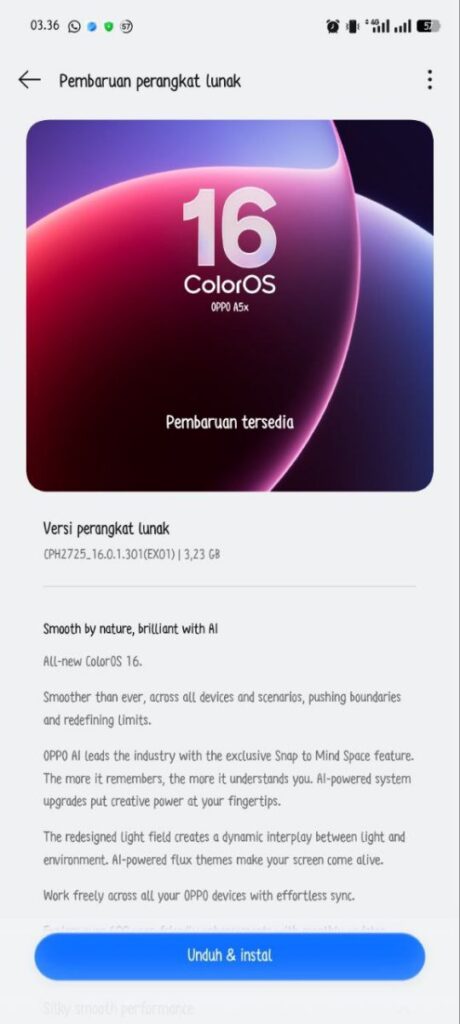
The update version number is CPH2725_16.0.1.301 (EX01). It will be available in a file size of approximately 3.3GB. Since this is a major OS update, be sure to back up your device before installing it. Also, ensure you have sufficient battery charge before updating.
How to Install?
Because this is a beta update, you will need to follow a few simple steps to install it.
- Step 1: Go to Settings -> System & update -> Software update -> Tap the top of the page -> Tap the icon on the top right -> Beta program -> Release candidate -> Apply Now
- Step 2: Detect the update -> Download Now -> You will receive the new version.
However, this is only available to a limited number of users because it’s a beta update. If you are a stable user, you will have to wait a little longer until the official stable version is released.
Also Read: Oneplus 9rt OxygenOS 14 based 14.0.0.2702 January Android security update received