
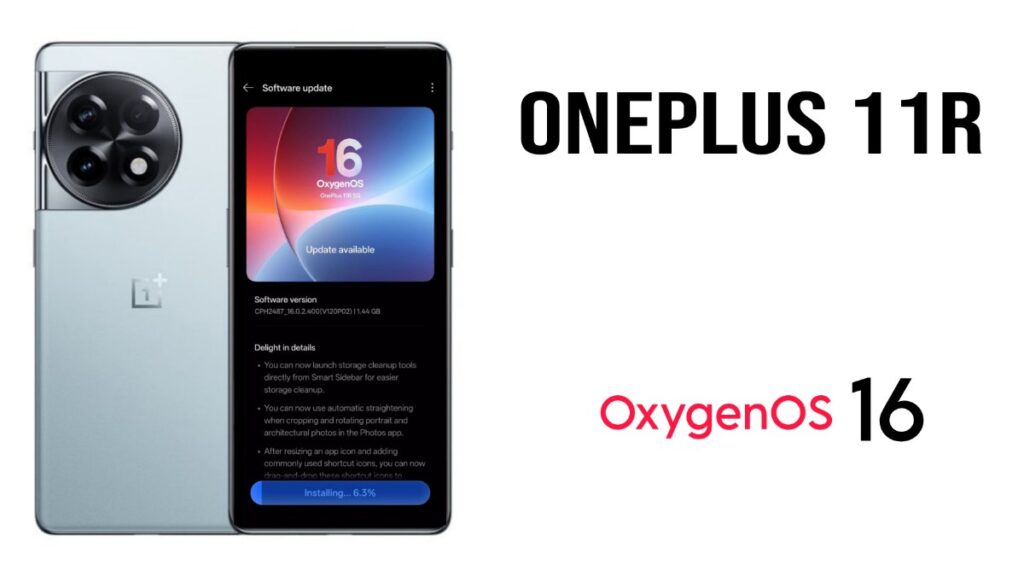
If you use the OnePlus 11R 5G, there’s good news! You’ll be getting OxygenOS 16 very soon. This new update includes OxygenOS 16 along with Android 16. This major update will bring significant changes to the device, which will be quite important for users. So, without further ado, let’s dive into all the details of this update.
OnePlus 11R OxygenOS 16 Update
The version number of this new update is CPH2487_16.0.2.400 (EX01). This is a fairly large update, with a total file size of around 1.44 GB. The size may vary slightly depending on the device. This is a beta update that has been recently officially released by OnePlus. Only those who have applied for the beta program will be able to use it.
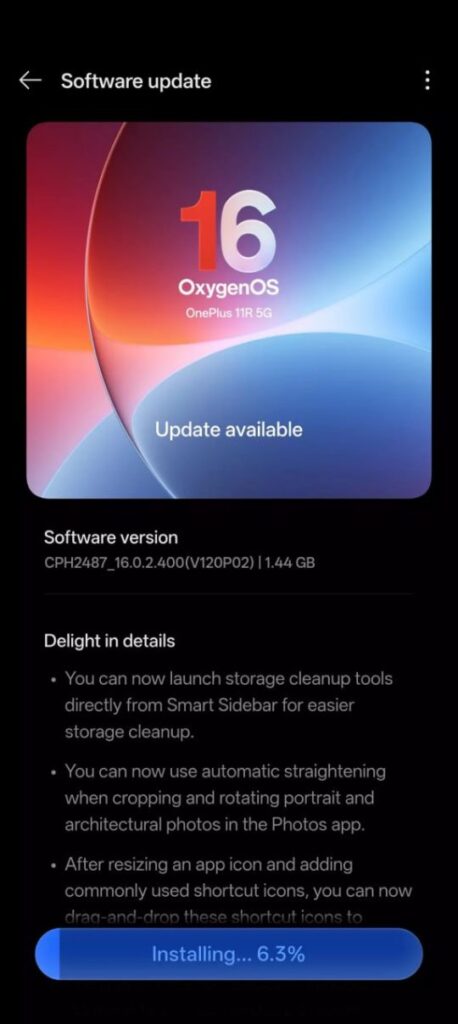
OxygenOS 16 Update Changelog
Talking about the update’s features, you’ll find many new and interesting smart features. For example, it includes Flux Themes, which will provide a modern and advanced look. There will also be a significant change in the look of the notification center, which will be quite interesting. It also includes AI features like Circle to Search and AI Writer.
The biggest difference with this update is seen in the animations, which also reflects the overall performance of the device. This means the animations on the device have become much smoother, resulting in a significant enhancement in the multitasking experience. However, there hasn’t been a major performance change that could be considered a game-changer.
As you know, it comes with the latest Android version, Android 16, which is very important for data privacy. It will help secure your smartphone’s data. Due to this, some third-party apps might experience issues, such as crashing. AI has been added everywhere, from wallpapers to smart suggestions, which will enhance the overall user experience.
OnePlus 11R OxygenOS 16 Update Install
As mentioned earlier, this is a beta update that can only be downloaded by beta testers. This means it’s currently available to a limited number of users. If you are a stable user, it’s best to avoid this type of update and wait a little longer; it will gradually become available to everyone. However, if you still want to install this beta update, be sure to back up your device first. Stay tuned for more exciting updates in the future!
Also Read: OPPO Reno 11 Pro gets ColorOS 16 update: That’s for Beta Testers