
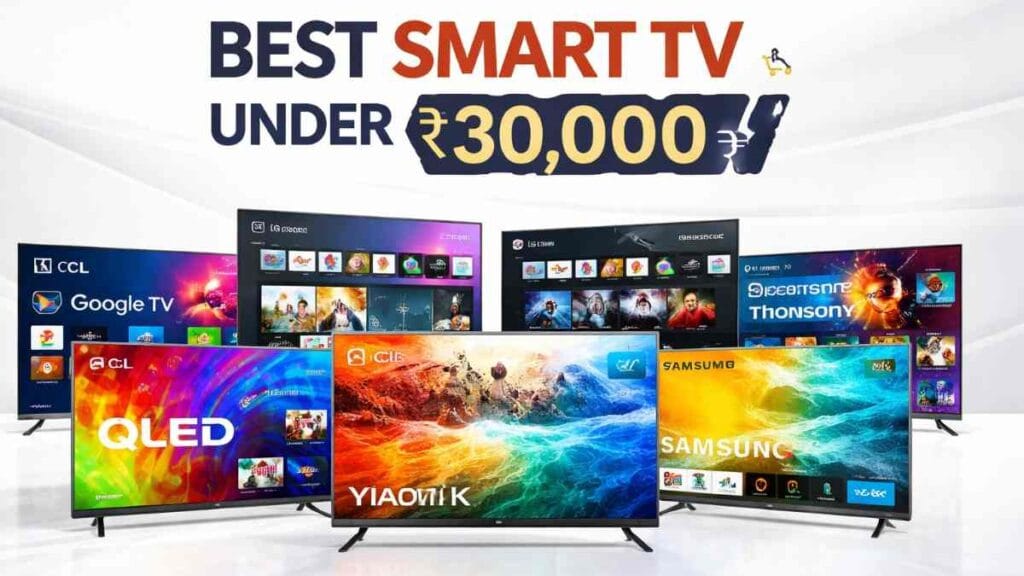
Friends, getting a Smart TV under Rs. 30K is no longer a “must compromise” affair as it used to be. In this budget, 4K resolution, large screen, Google TV/webOS/Tizen, and even QLED (if there is an offer) can be seen. But at the same time, there is a problem – the options are so many that everything seems “best” when you look at the listing. In reality, the difference comes from the room lighting, SDR content (which we watch more), sound, smoothness of the OS, and after-sales experience.
This guide is not just about looking at the specs, but also about the experience you can have when using it. I have selected 7 TVs based on the listings + spec sheets + user review trends (meaning things that are repeatedly mentioned in many reviews) of 2026 popular models. All of them can usually be found in or around ₹30,000 on offer/sale.
Why is getting a Smart TV under ₹30,000 a value now?
Nowadays, 4K streaming is quite good on this budget – Netflix, Prime Video, YouTube. These are actually 80% of our usage. And most TVs have at least basic HDR/Dolby Audio tags. At the same time, due to competition from brands (TCL, Xiaomi/Redmi, Samsung, LG, Hisense, Thomson), discounts/bank offers are also seen regularly, which is a big advantage for budget buyers.
However, to be honest, when buying a TV under ₹30k, it is better to keep 2 expectations a little realistic – (1) “If it says HDR, it will be cinema-grade HDR”, (2) “Not all TVs have the same OS”. Still, this is a sweet spot budget for family entertainment, OTT, YouTube, casual gaming.
First, decide on these 3 things (this is the real buying shortcut)
1) Screen size vs Viewing distance (very useful)
Approximate guideline for 4K TV: distance ≈ 1.0x–1.5x screen diagonal
- 43 inch: about 3.5–5.5 ft
- 50 inch: about 4–6.5 ft
- 55 inch: about 4.5–7 ft
If you sit 8–10 ft away, 43″ often feels small. On the other hand, if you look at 55″ from very close (4–5 ft), some people experience eye strain (depending on the individual).
2) “Brightness” wins half the battle in a bright room
Even if a budget TV has an HDR tag, glare/reflection in a bright room can make the picture look washed out. Whether the window/light is directly falling on the screen is a big factor. Do not place the window right in front of the TV, sit at a side-angle, use a thin screen. Sometimes this small thing alone makes the picture “twice as good”.
3) SDR vs HDR – Which do you actually watch more?
- SDR: DTH/Cable, news, lots of YouTube videos.
- HDR: Some 4K titles on Netflix/Prime, some YouTube HDR, console games.
So don’t just look at “HDR supported”, look at how SDR upscaling, skin tone, motion are. Because a large portion of regular content is SDR.
Best Smart TV Under ₹30,000 – Top 7 Models (March 2026)
For each TV below, I am giving the price range and the specs are “as per the product listing” – so it is better to refresh the link before buying.
1. TCL C61B / C655 (43-inch 4K QLED, Google TV)
Price range: Around ₹25,000-₹28,000 (varies by offer)
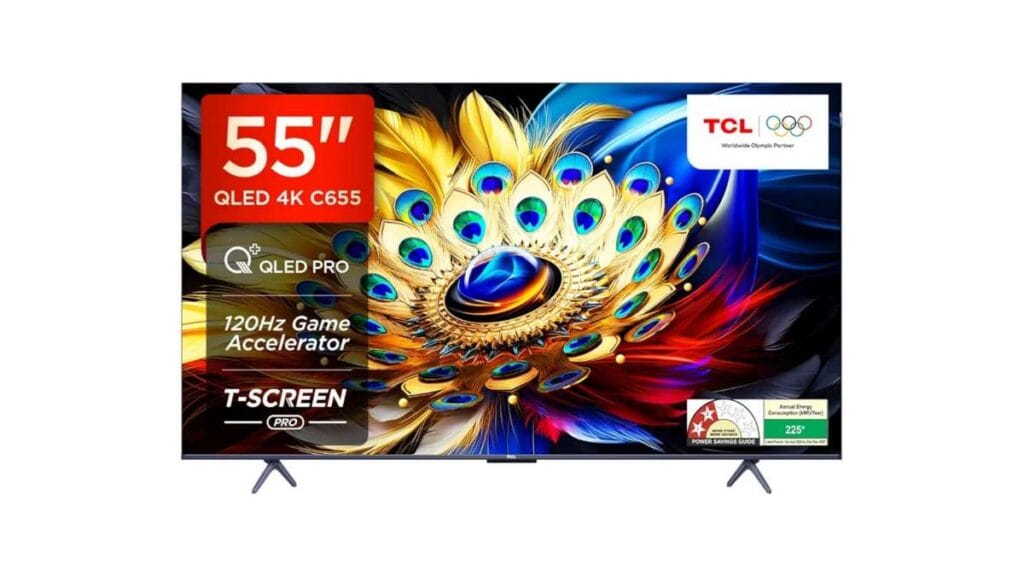
Getting a QLED panel in this budget is a big plus for many, as the colors can look a little more vibrant than regular LED – especially in OTT/movie content. Google TV makes app support and navigation easier for many. According to the listing, Dolby Vision/Atmos and relatively strong sound output are also seen, which is quite useful in small rooms.
- Best for: If you like movies/OTT, vivid colors, 120Hz refresh rate.
- Why not buy: TCL’s after-sales experience can vary from city to city, and some users find the build “ok-ok”.
2. Xiaomi FX Pro QLED (43-inch 4K LED, Google TV)
Price range: Around ₹22,000–₹26,000
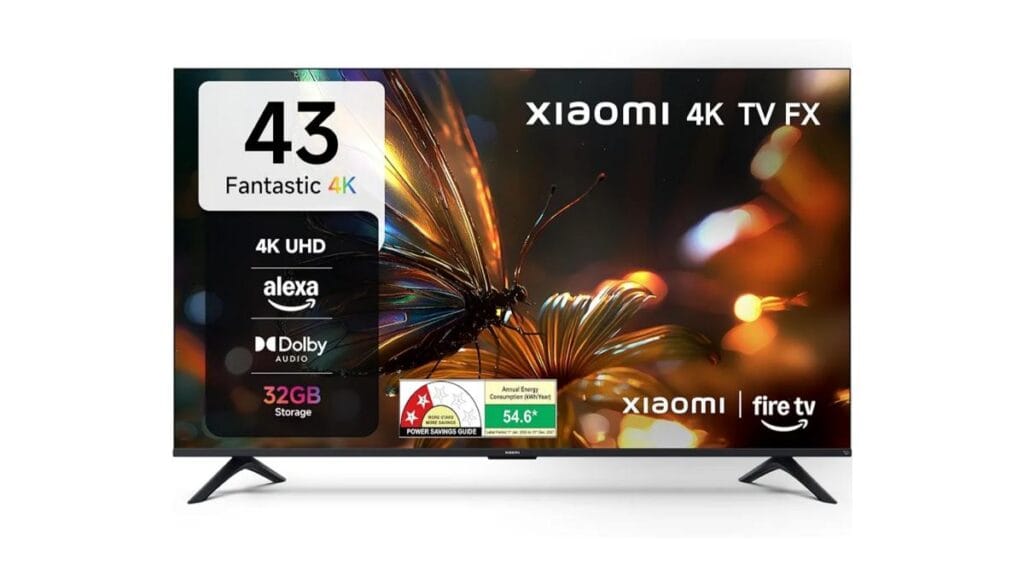
The Xiaomi FK Pro series generally targets “value + easy UI” type users. With Google TV, there are fewer hassles with apps, and with the Xiaomi ecosystem, casting/phone integration is also comfortable. What comes up most in the review trend – picture quality is quite good for the price, but brightness can be average in a very bright room.
- Best for: Streaming, YouTube/OTT, 4K ultra-HD, HDR10+
- Why not buy: Keep in mind the 60Hz‑class limitation if competitive gaming is a priority.
3. Redmi F Series (43-inch 4K LED, Google TV)
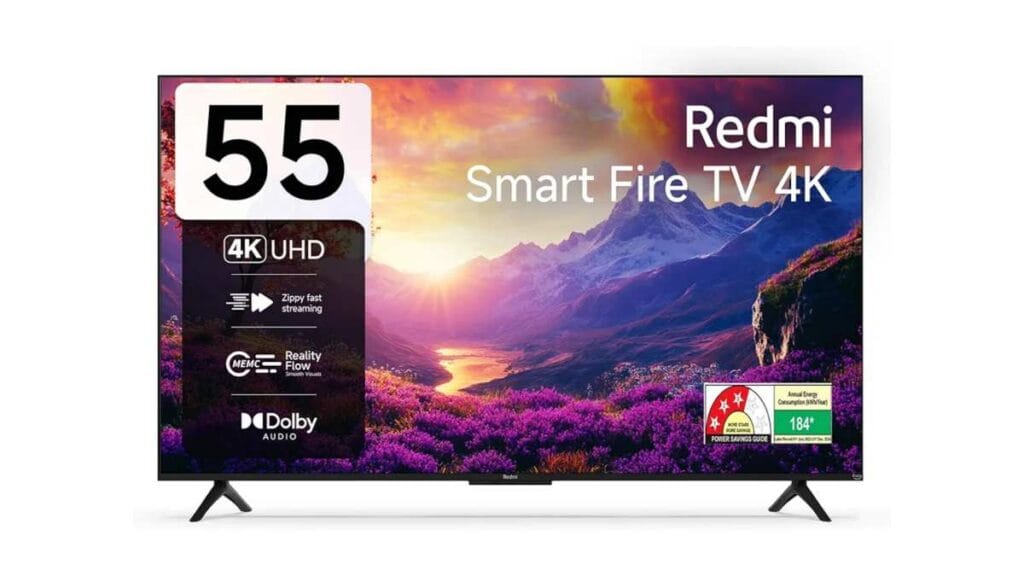
Price range: Around ₹25,000-₹31,000
The Redmi F Series is a “budget king” category TV – those who want 4K + big screen + smart OS on a low budget. With Google TV + Chromecast, casting from mobile is easy. Many users find setup easy, and performance is fine for general streaming. However, if you’re expecting “premium polish” from the picture/processing at this budget, you’re likely to be disappointed – it’ll be good, but it may not be the best everywhere.
- Best for: first-time buyer, budget 43″ 4K
- Why not buy: If you are very picky about HDR/processing, it is better to read the reviews first.
4. Samsung Crystal 4K (43-inch, Tizen OS)
Price range: Around ₹26,000–₹29,000
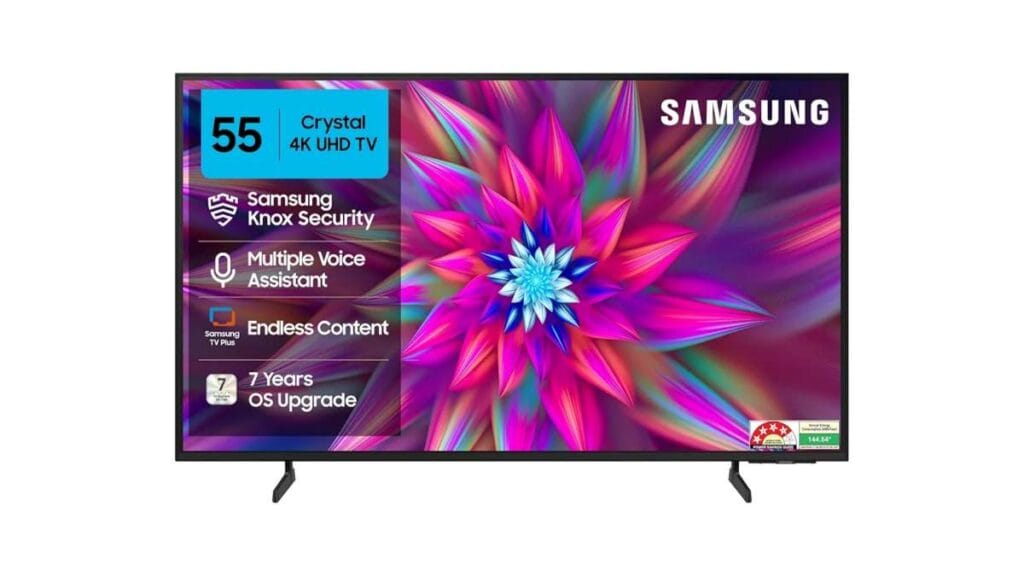
Many people buy Samsung for the “tension-free” experience – brand trust, service network, and a belief in long-term durability. The Crystal Processor generally has good SDR upscaling, and looks sharp in everyday viewing. However, the sound output on budget Samsungs is often average – movie lovers may need a soundbar.
- Best for: reliability, family TV, brand preference
- Why not buy: If Dolby Vision is a must for you, then check whether it is available on each model.
5. LG UA82 (43-inch 4K, webOS)
Price range: Around ₹28,000–₹29,000
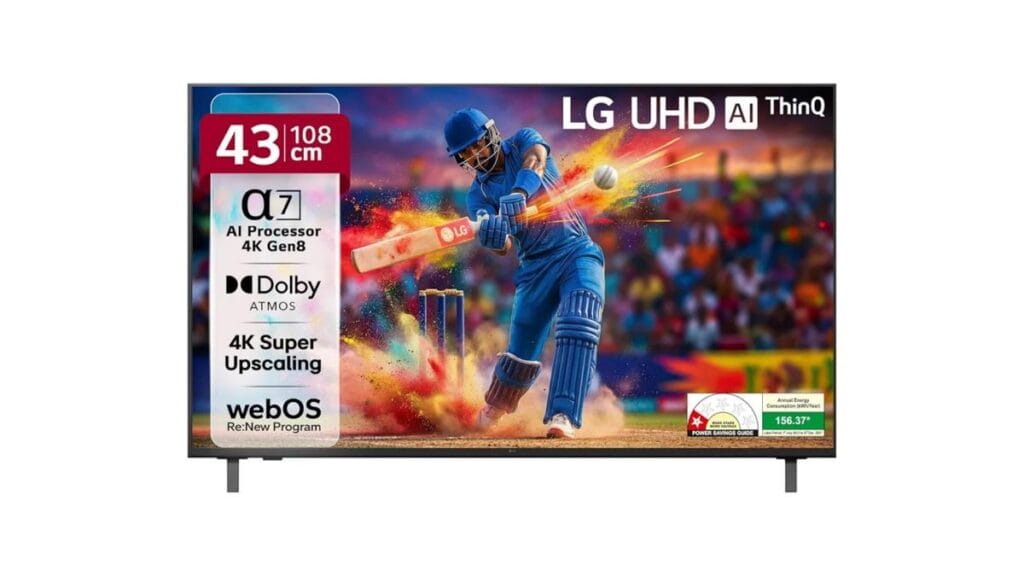
LG webOS generally feels smooth, and the UI is clean for many. For those who want a “less hassle, more stable OS”, it’s a good choice. Viewing angles are also decent at times, so it won’t be a problem even if you’re sitting next to your family. The downside is that at this budget, LG can sometimes feel a bit underpowered in terms of specs‑per‑rupee, but the OS experience covers that gap for many.
- Best for: webOS preference, balanced use, premium feel
- Why not buy: If you’re just looking for “biggest screen/most features”, you might find better value in other brands.
6. Hisense A6K (43-inch 4K, Google TV)
Price range: Around ₹22,000–₹26,000
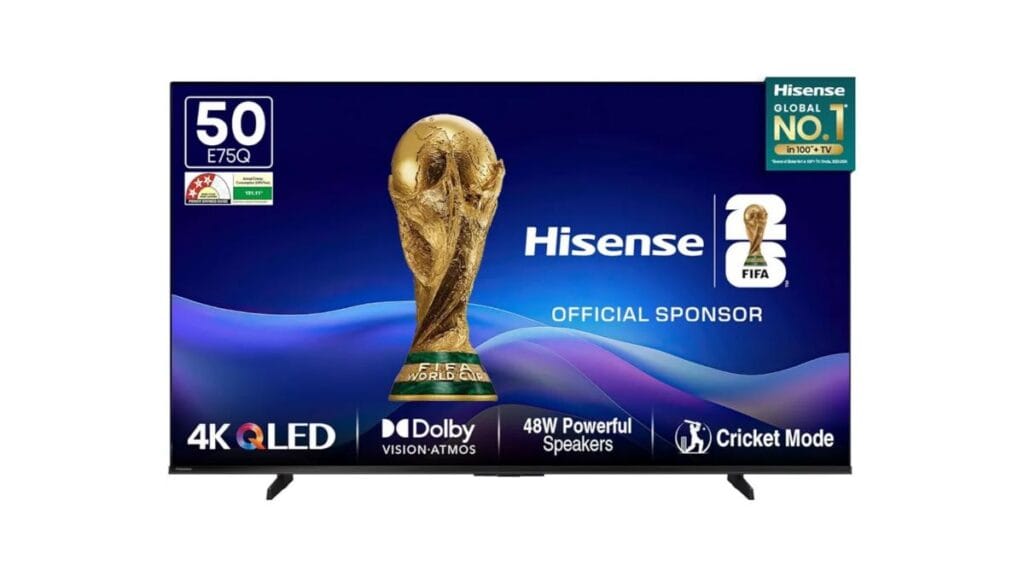
The Hisense A6K series often offers good specs/value for a budget. The app ecosystem benefits from Google TV, and the sound “surprisingly decent” type comments can also be seen in the review trend. Those who are not very brand-loyal, but are looking for value, can be put on the shortlist.
- Best for: value pick, Google TV lovers
- Why not buy: After-sales experience can vary by location – it is better to check how the service is in your city.
7. Thomson Phoenix (50-inch 4K, Android/Google TV)
Price range: Around ₹23,000-₹26,000
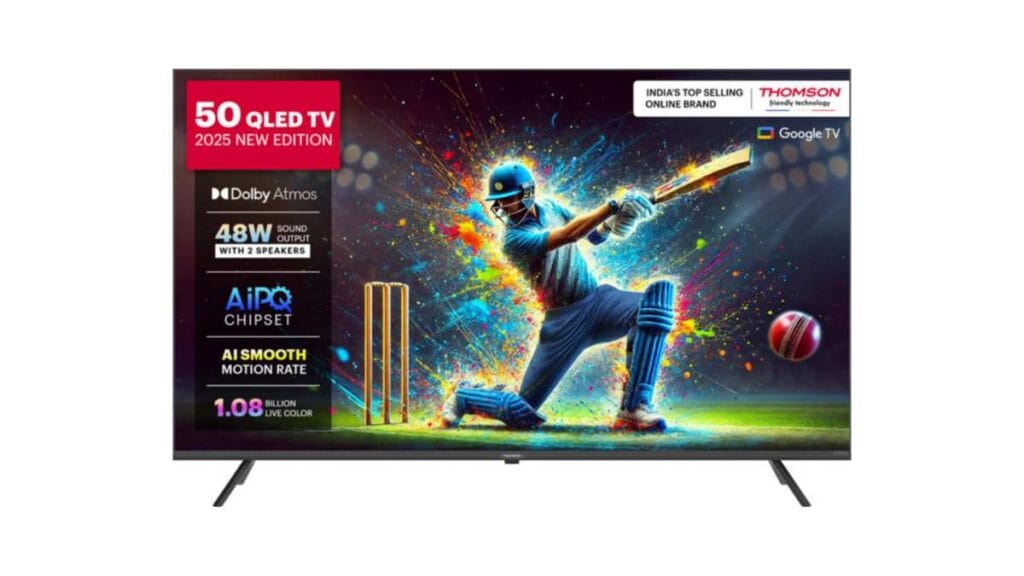
Thomson often offers aggressive pricing, so it falls into the “minimum budget 4K Smart TV” category. Many users say that it gets the job done for basic streaming, YouTube, casual viewing. However, there may be a little compromise in build, remote feel, long-term polish. So if you keep your expectations in mind, it can be a value.
- Best for: super budget, basic streaming, 48W speaker
- Why not buy: If you want a very smooth UI/long-term premium experience, then it is better to keep the budget a little higher.
Quick Comparison Table (March 2026 – Price Range)
| Model Name | Size (inches) | Panel Type & OS | Refresh Rate | Sound Output | Expected Price Range (March 2026) | Best For |
|---|---|---|---|---|---|---|
| TCL C61B / C655 | 43″ | QLED / Google TV | 120Hz | 35W | ₹25,000 – ₹28,000 (offers-এ) | Movies/OTT, Vivid Colors, Gaming |
| Xiaomi A Pro / X Series | 43″ | LED / Google TV | 60Hz | 30W | ₹22,000 – ₹26,000 | Streaming, Xiaomi Ecosystem Users |
| Redmi F Series / A55 | 43″ | LED / Google TV | 60Hz | 30W | ₹20,000 – ₹24,000 | First-time Buyer, Super Budget |
| Samsung Crystal 4K | 43″ | LED / Tizen OS | 60Hz | 20W | ₹26,000 – ₹29,000 | Reliability, Brand Preference |
| LG UA82 / UR7500 | 43″ | LED / webOS | 60Hz | 20W | ₹28,000 – ₹29,000 | Smooth OS, AI Features, Viewing Angles |
| Hisense A6K / E6K | 43″ | LED / Google TV | 60Hz | 24W | ₹22,000 – ₹26,000 | Value Pick, Google TV Lovers |
| Thomson Phoenix | 43″ / 50″ | LED / Android/Google TV | 60Hz | 24W–48W | ₹19,000 – ₹26,000 | Ultra Budget, Basic Streaming |
Note: Refresh rate, HDR formats, HDMI features – may vary by model/variant. Check the listing/manual before buying.
Buying Guide (Real-world): Which features are really useful?
Panel: LED vs QLED
QLED generally gives a little more punch in colors, and bright content looks vivid. However, “QLED is not always the best” – processing, calibration, room lighting – all come together to produce the final output.
OS: Google TV vs webOS vs Tizen
- Google TV: more apps, content search facility, casting is easy
- webOS: smooth, clean UI – good for family use
- Tizen: stable, but app variety may seem less than Google TV for some
SDR vs HDR reality
HDR is good, but HDR can be “rough” on a budget TV. So look at skin tone + upscaling in SDR – because it has more impact on everyday viewing content.
Sound: 24W – 30W
In a small room, 24–30W often feels “just okay”. In a large room or for action movies, a separate soundbar is a lifesaver – it’s true.
Connectivity
It’s good to have at least 2–3 HDMI, Bluetooth, dual-band Wi-Fi. If you have a console/PC, check the HDMI features separately.
Common Buying Mistakes & Tips
- Size over everything: If the room is small, you will regret buying a 55″ later – neck/eye strain may occur.
- Ignoring bright room: No matter how good the TV is, glare will annoy you.
- Not looking at the return policy: If there is a dead pixel/bleeding/OS issue, the return window helps a lot.
- Not checking after-sales: What is the service network like in your city – this is not a small thing.
Small tip: You can get good deals on online offers, but it is worth reading the warranty + installation terms on the day of purchase.
Best Picks
If you want balanced value + smart OS within ₹30,000, then Xiaomi/Redmi/Hisense – these can be good options. And if you want something “a little more punchy in color”, you can also keep an eye on the TCL QLED on offer. Samsung/LG – they are generally liked by the “I’ll run in peace” type buyers, although the screen/features can be more or less in the same budget.
FAQ (Short)
Q1: Does a 4K TV under ₹30,000 really work well?
A: Most of them work well for general streaming/YouTube. However, smoothness depends on Wi-Fi quality and OS hardware.
Q2: Google TV vs webOS - which is better?
A: Google TV offers the convenience of apps/casting, and webOS seems smooth/simple to many. “What will you use” is the question Main.
Q3: Which one should I get for gaming?
A: If it's a casual console, look at the latency/ALLM type features (it's important to check the listing). If it's competitive gaming, it's better to keep expectations a little realistic in this budget.
Q4: Can the price come down further?
A: It can go down to the bottom of the range during sales/festive offers, and it can also go up due to stock/demand - so the price range approach works well.
Disclosure: This post contains affiliate links. If you purchase through these links, we may earn a small commission at no extra cost to you. Thank you for supporting SwasthSutra.